Features • Story • FAQ • Support
The Story Behind Stick Pick
Stick Pick began in my classroom more than 15 years ago. I wanted a simple way to make participation more equitable while asking better questions—so I built one.The original Stick Pick became an app used by teachers around the world. Eventually, technology moved on and Stick Pick disappeared from the App Store. But the idea never did.

Buzz Garwood
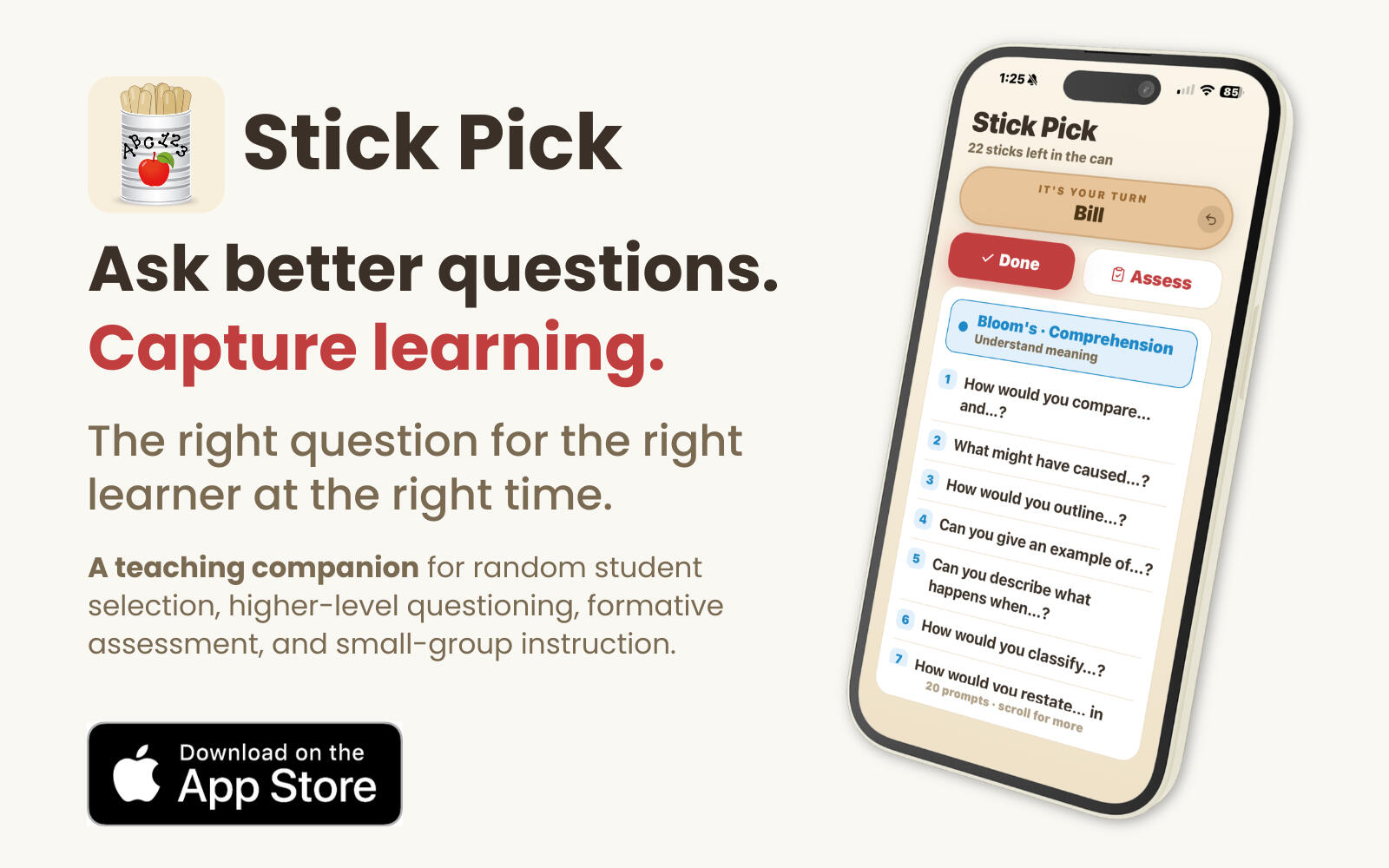
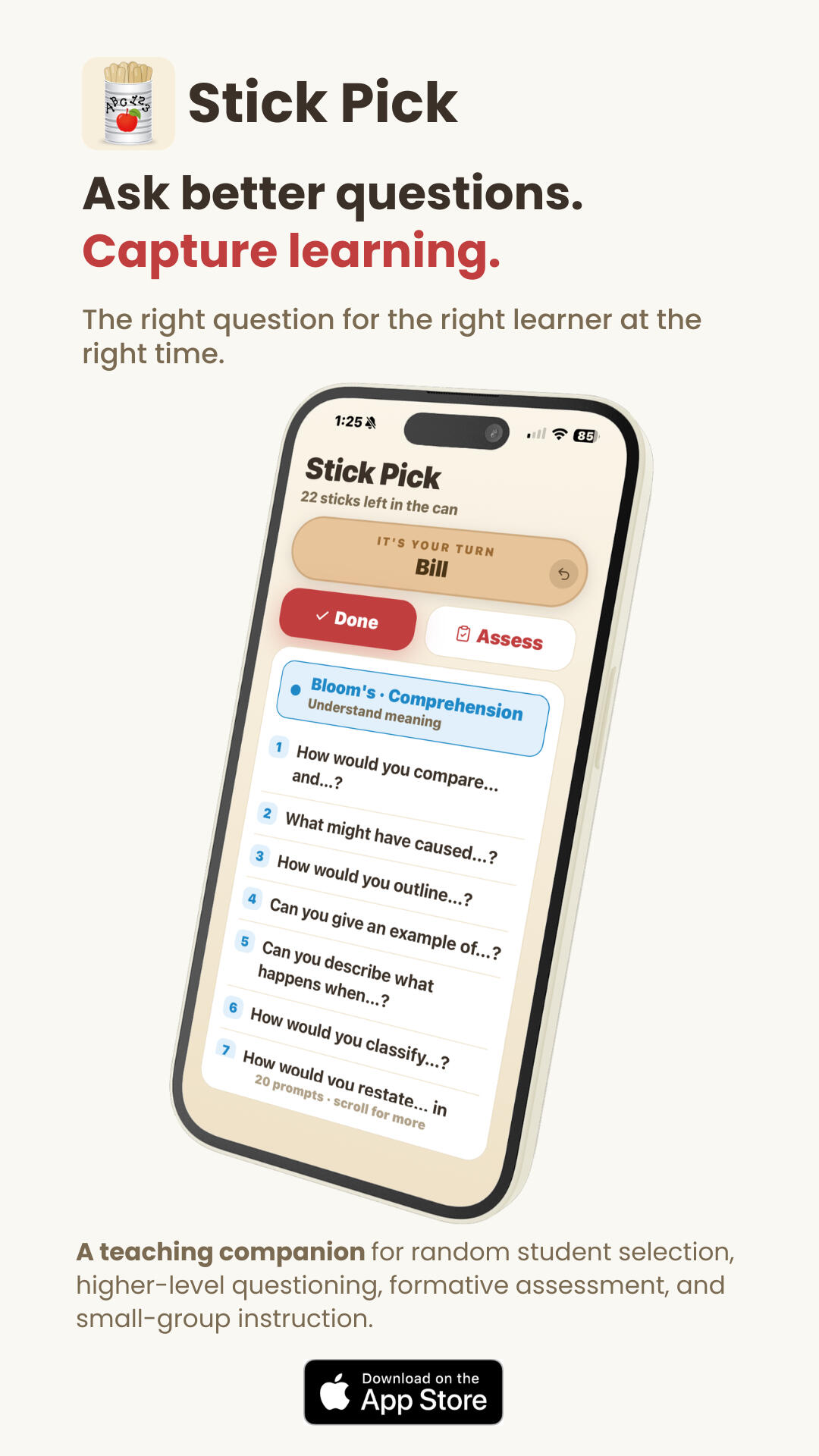
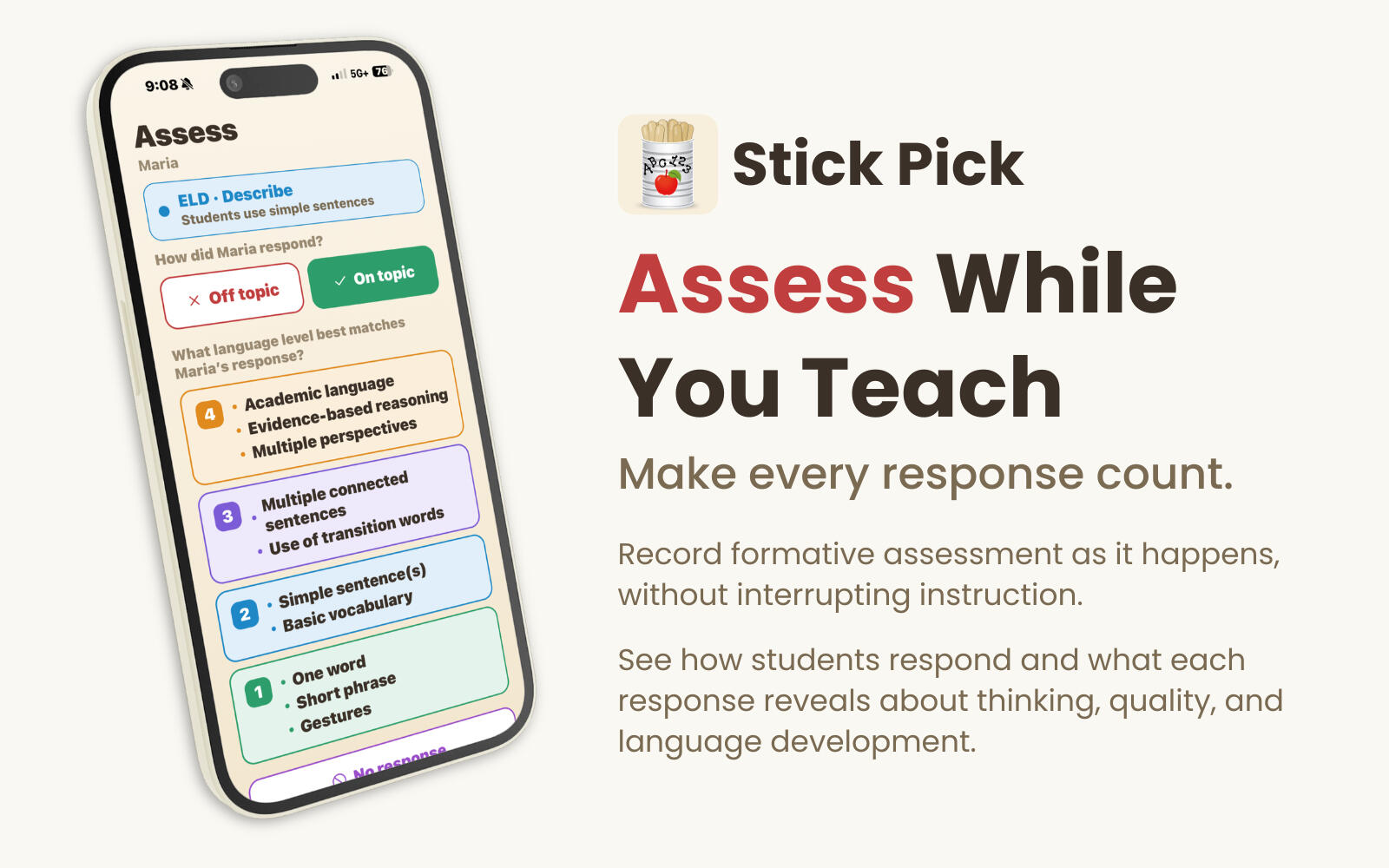
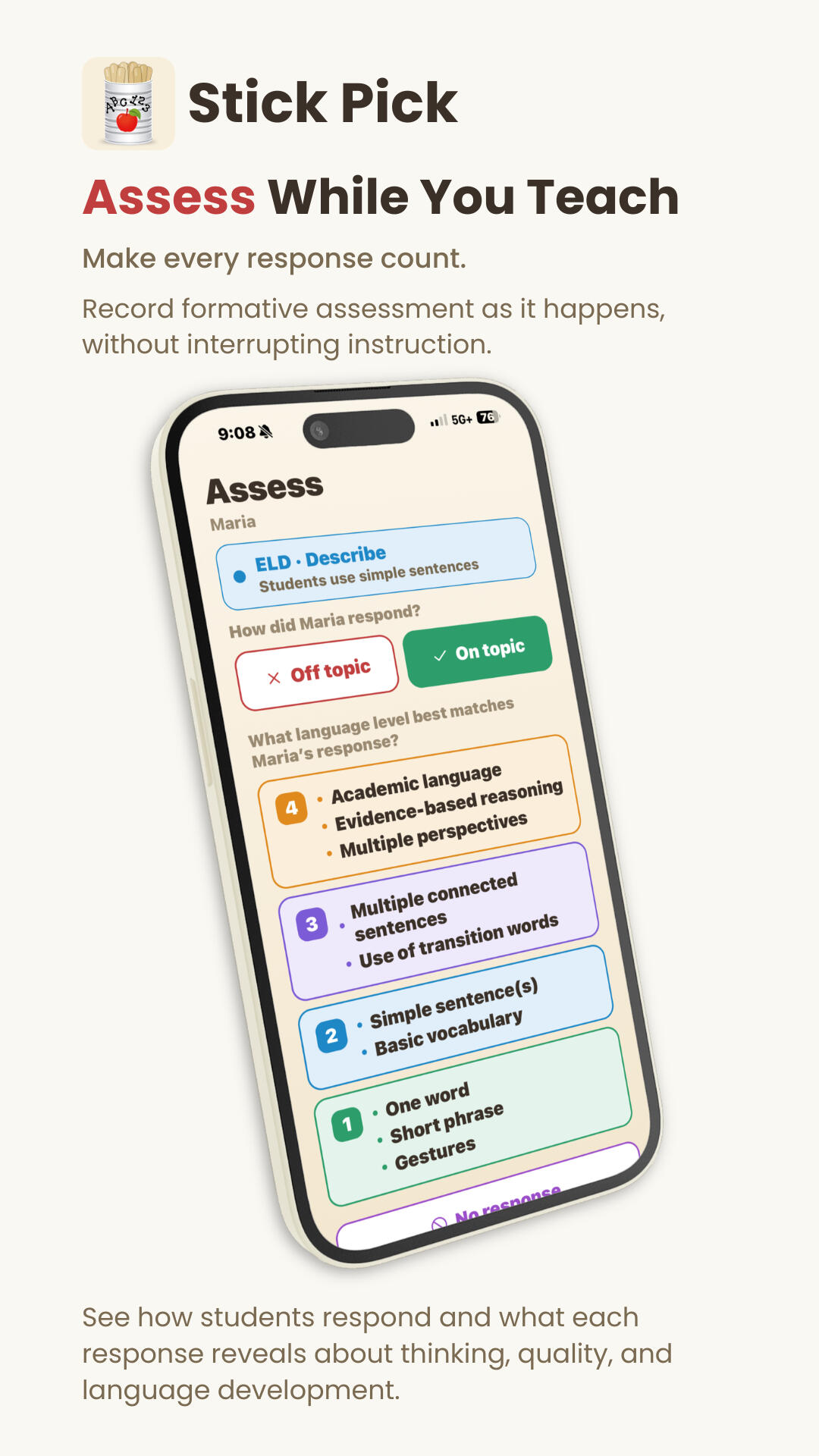
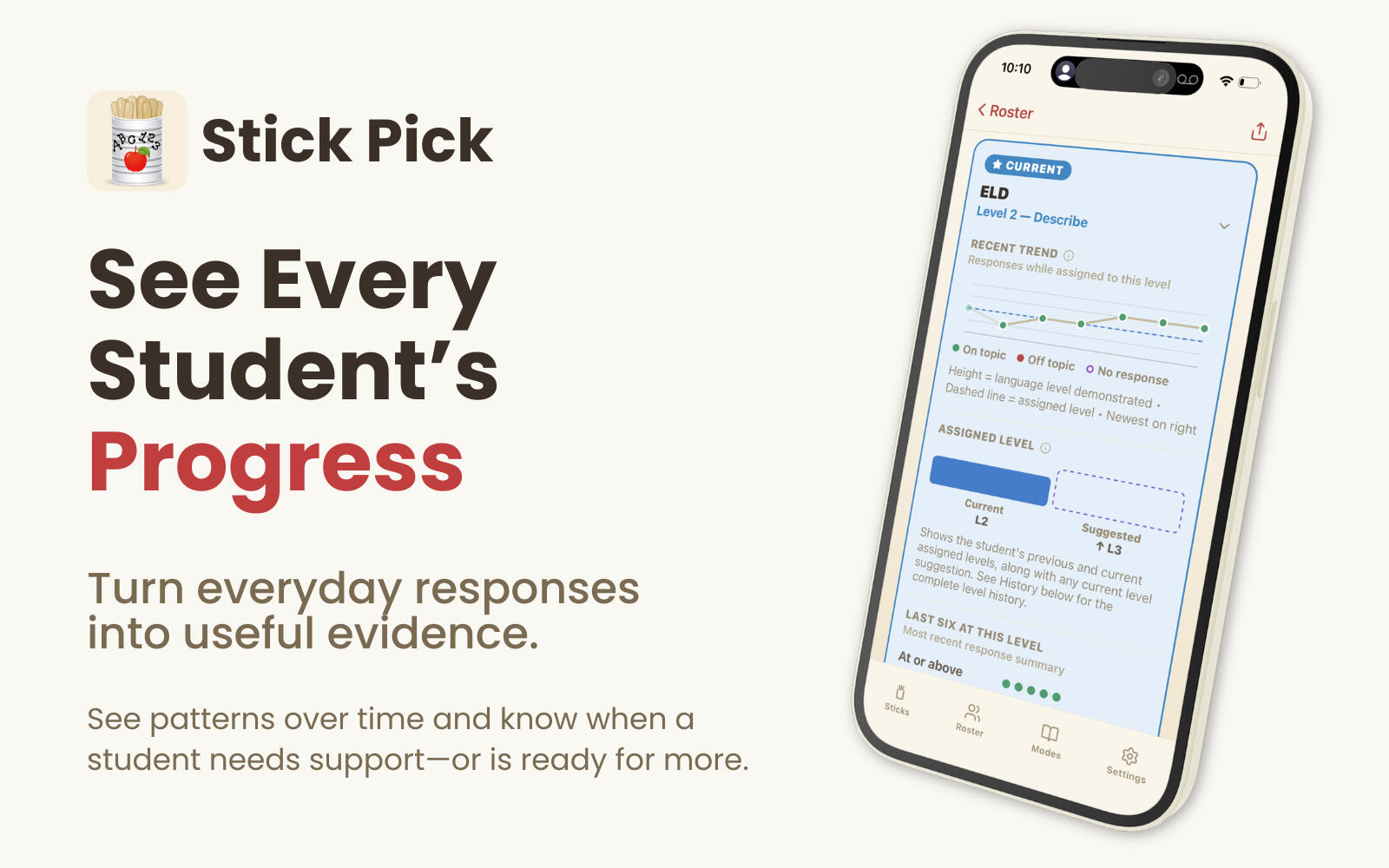
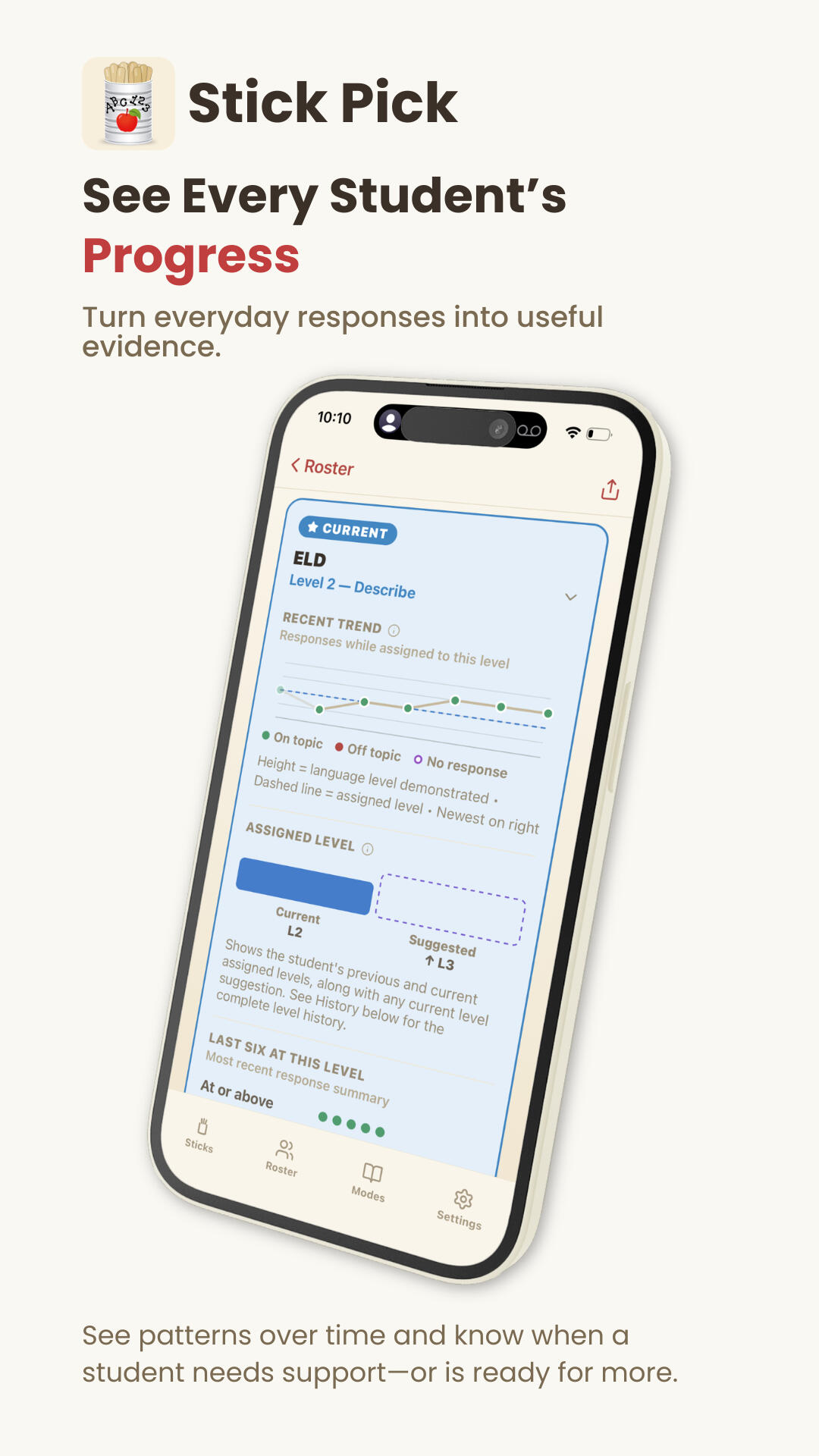
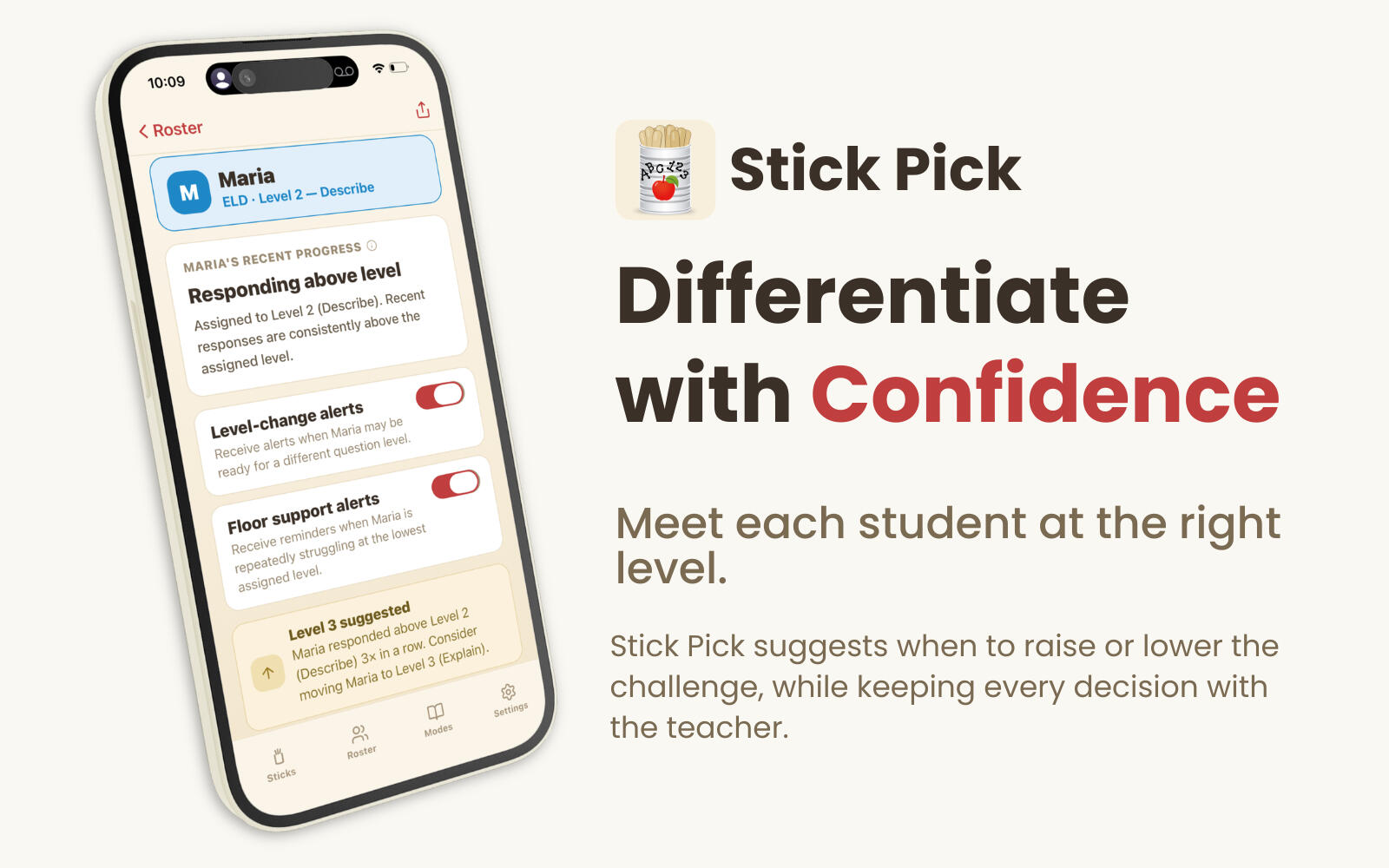
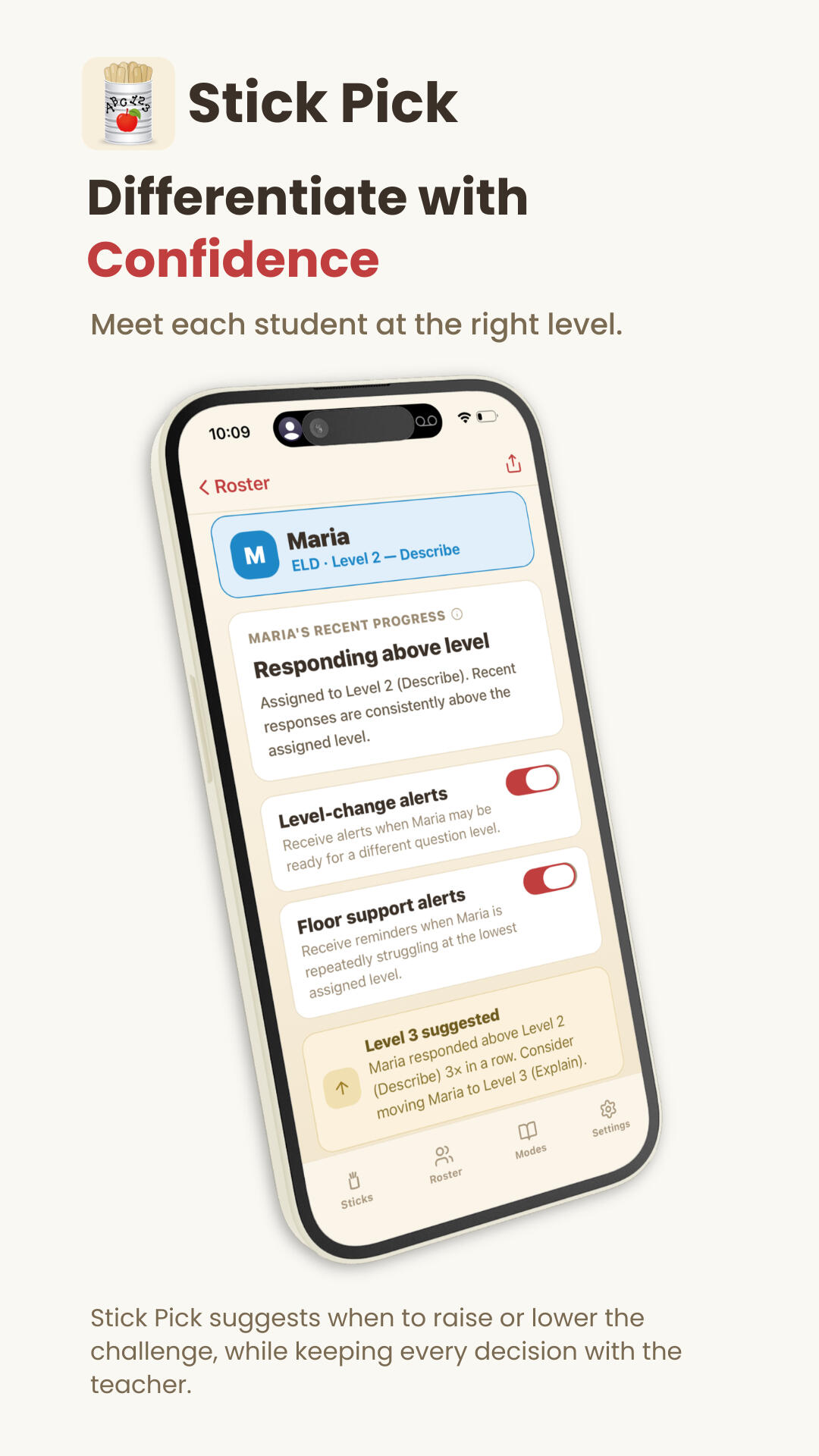
Educator & Creator of Stick PickAfter another 13 years in the middle school classroom, I rebuilt Stick Pick from the ground up—not simply to bring the old app back, but to create the teaching companion I wish I'd had all along. Today's Stick Pick brings together questioning, formative assessment, differentiation, small-group instruction, and the everyday decisions teachers make while they teach.Designed for the classroom. Built by a teacher.
Frequently Asked Questions
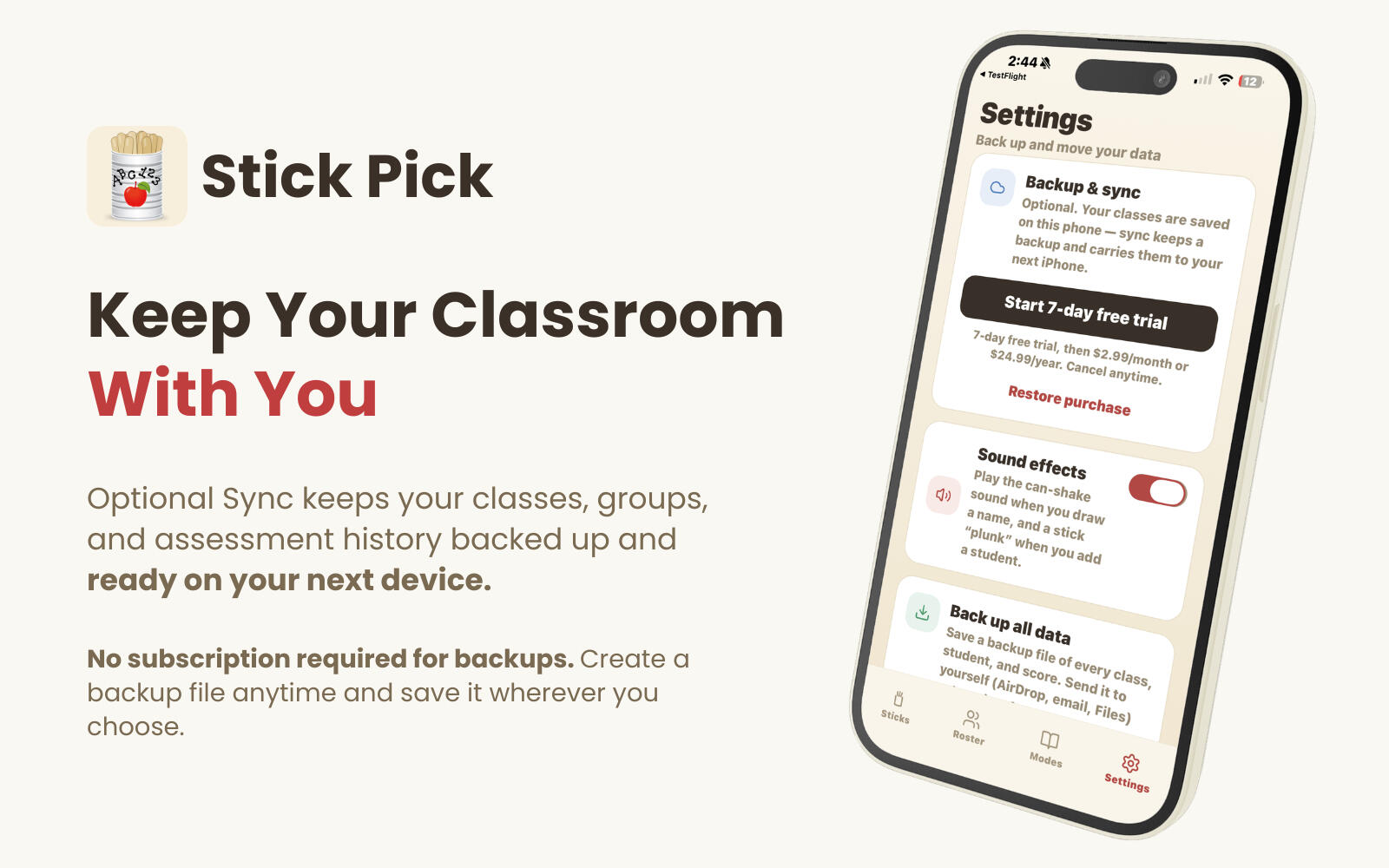
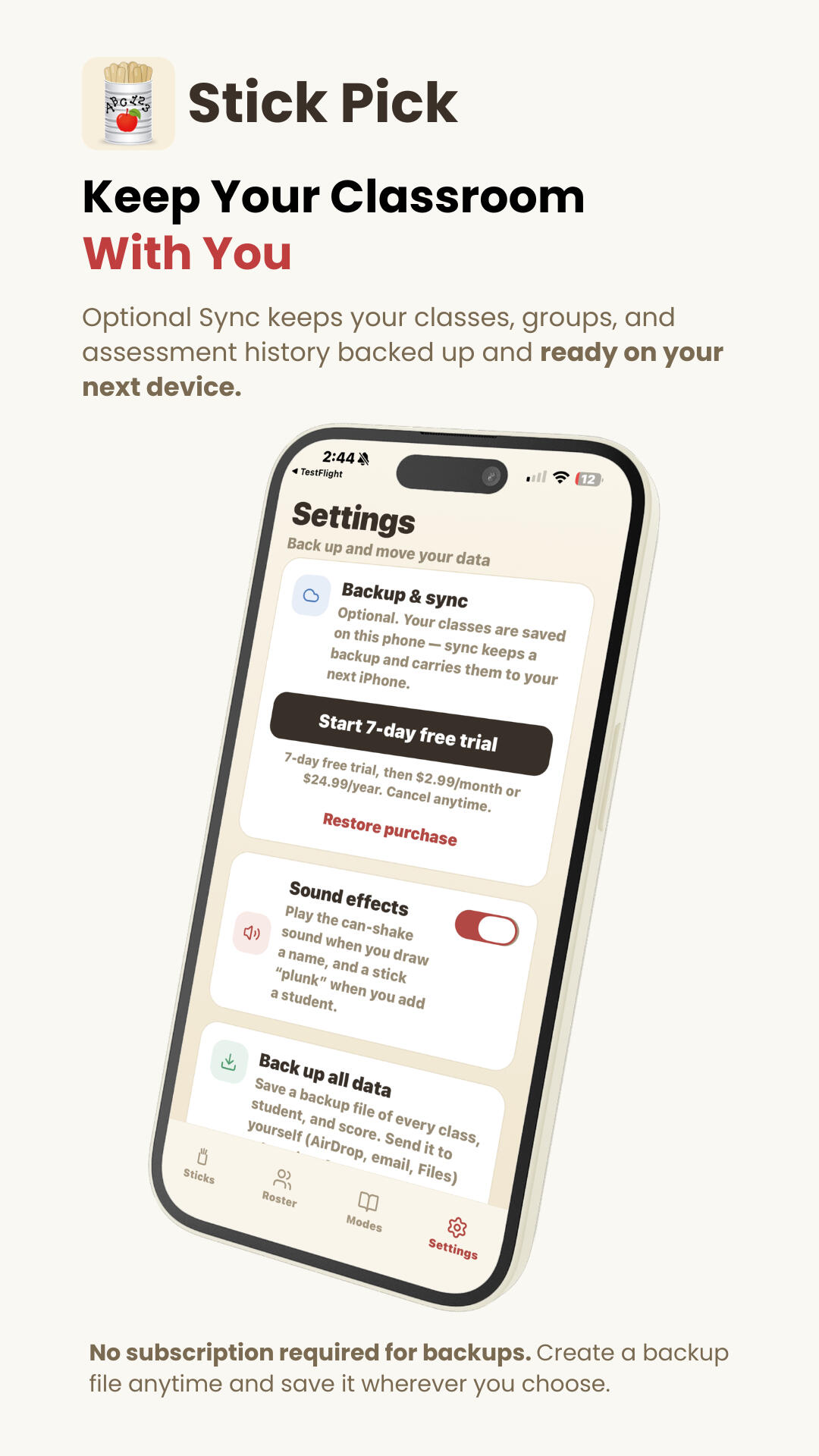
Is Stick Pick a subscription?No. Stick Pick is a one-time purchase. An optional Backup & Sync subscription adds automatic cloud backup and keeps your classroom data available across your devices.Do I need an account to use Stick Pick?No. You can use Stick Pick without creating an account. An account is only needed if you choose to use Backup & Sync.What does Backup & Sync do?Backup & Sync automatically saves your classes, students, groups, and assessment history to your account. Sign in on another device and your classroom is ready to go.Can I back up my classroom without a subscription?Yes. Manual backup and restore are included with Stick Pick at no additional cost. You can save a backup file and use it to restore your classroom whenever needed.What if I purchased the original Stick Pick?If you purchased Stick Pick before version 2.0, the new app is a free update—and Backup & Sync is included at no additional cost.Does Stick Pick work on iPhone and iPad?Yes. Stick Pick works on both iPhone and iPad.
Stick Pick
The right question for the right learner at the right time.